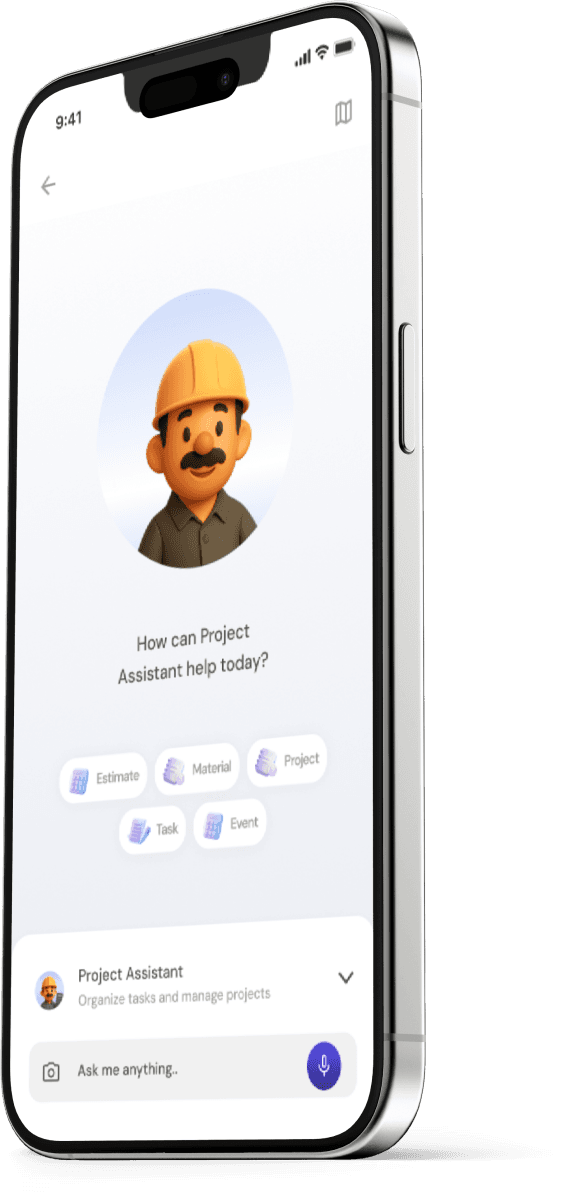
Lets get started on your journey
with Emendo

Our app is available in both Appstore or Playstore.
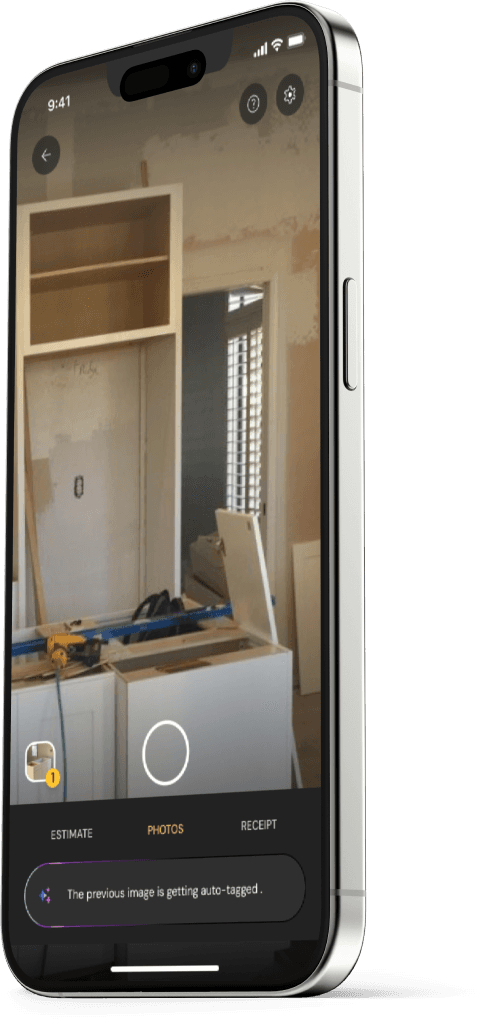
STEP-1

Scan QR Code

On your computer? Scan this QR code to download the app.

QR code to download Emendo app

On mobile? Tap the button to download.

Download App Now
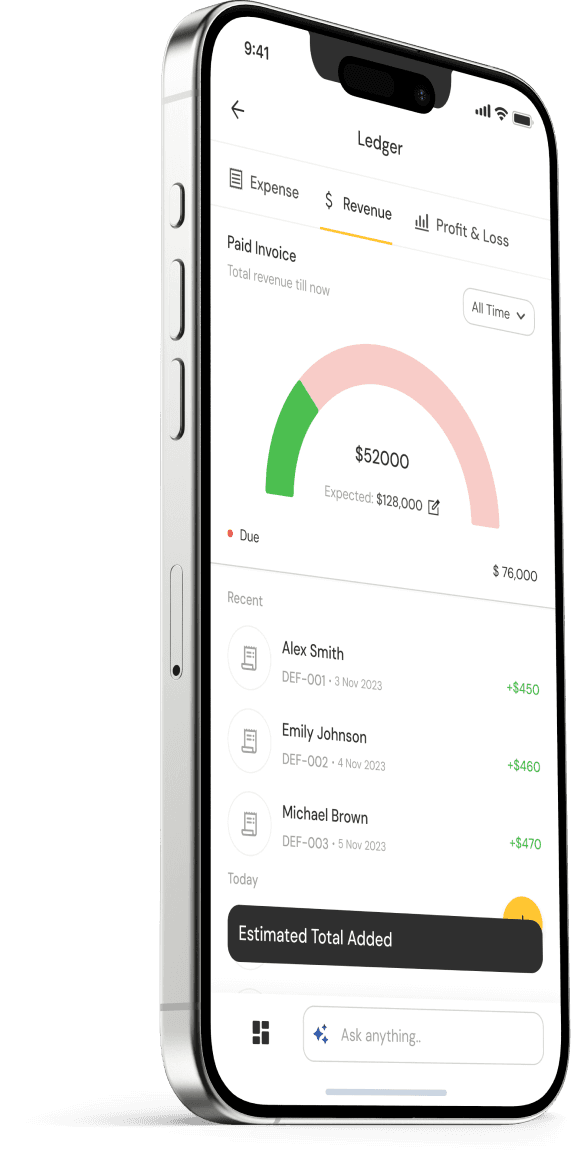
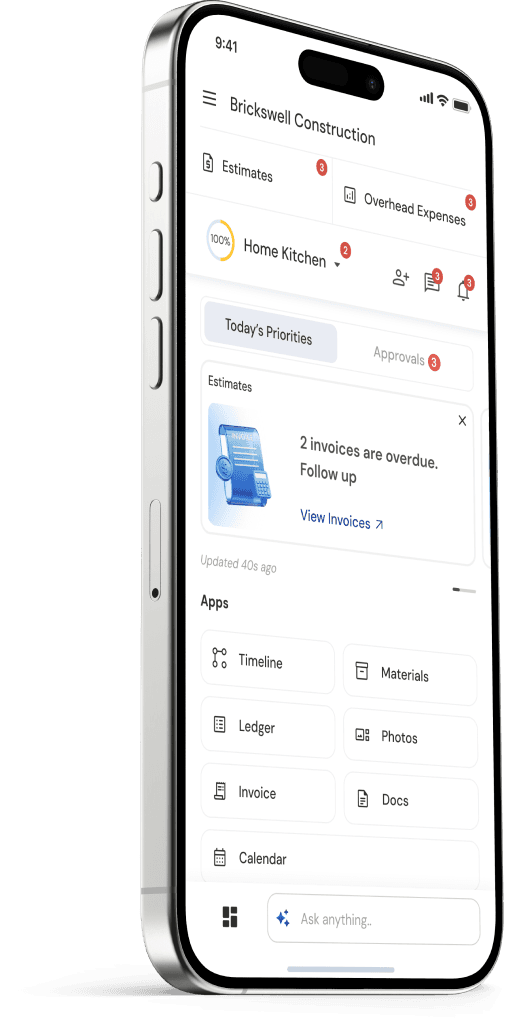
STEP-2

Tutorials to help you get started

Check out these quick videos to get familiar or revisit them anytime for a refresher

Ledger Demo

See how EmendoAI's ledger system helps you track finances with ease.

Estimates Demo

Create professional estimates quickly and easily for your clients.

Invoices Demo

Convert estimates to invoices and manage billing seamlessly.

Photo Timeline Demo

Document project progress with photos organized by date and time.

Tasks Demo

Assign and track tasks to keep your projects on schedule.

Materials Demo

Manage your materials inventory and costs efficiently.

STEP-3

Customer Deliverables That Impress

See how the created documents look like.
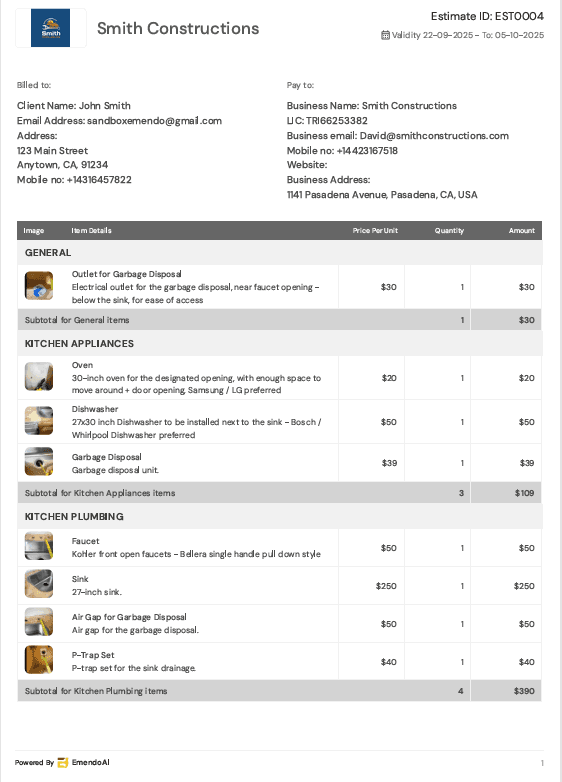
Professional Estimate PDF

Detailed and transparent breakdowns, automated groupings, with your business branding for winning bids.

Professional Estimate PDF

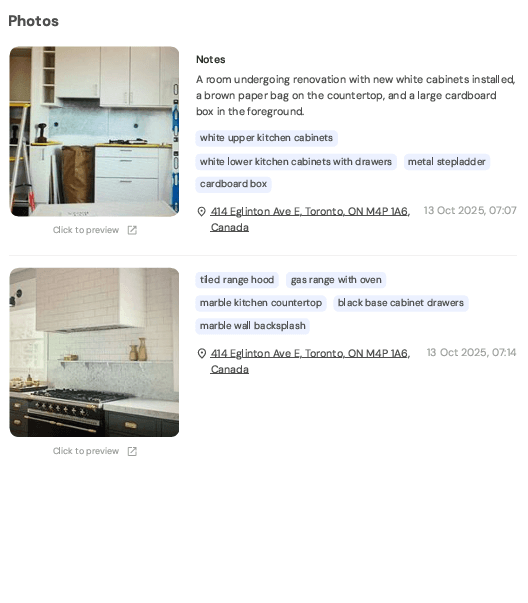
Visual Project Progress Report

Documentation of project milestones with rich photo timelines and detailed notes.

Visual Project Progress Report

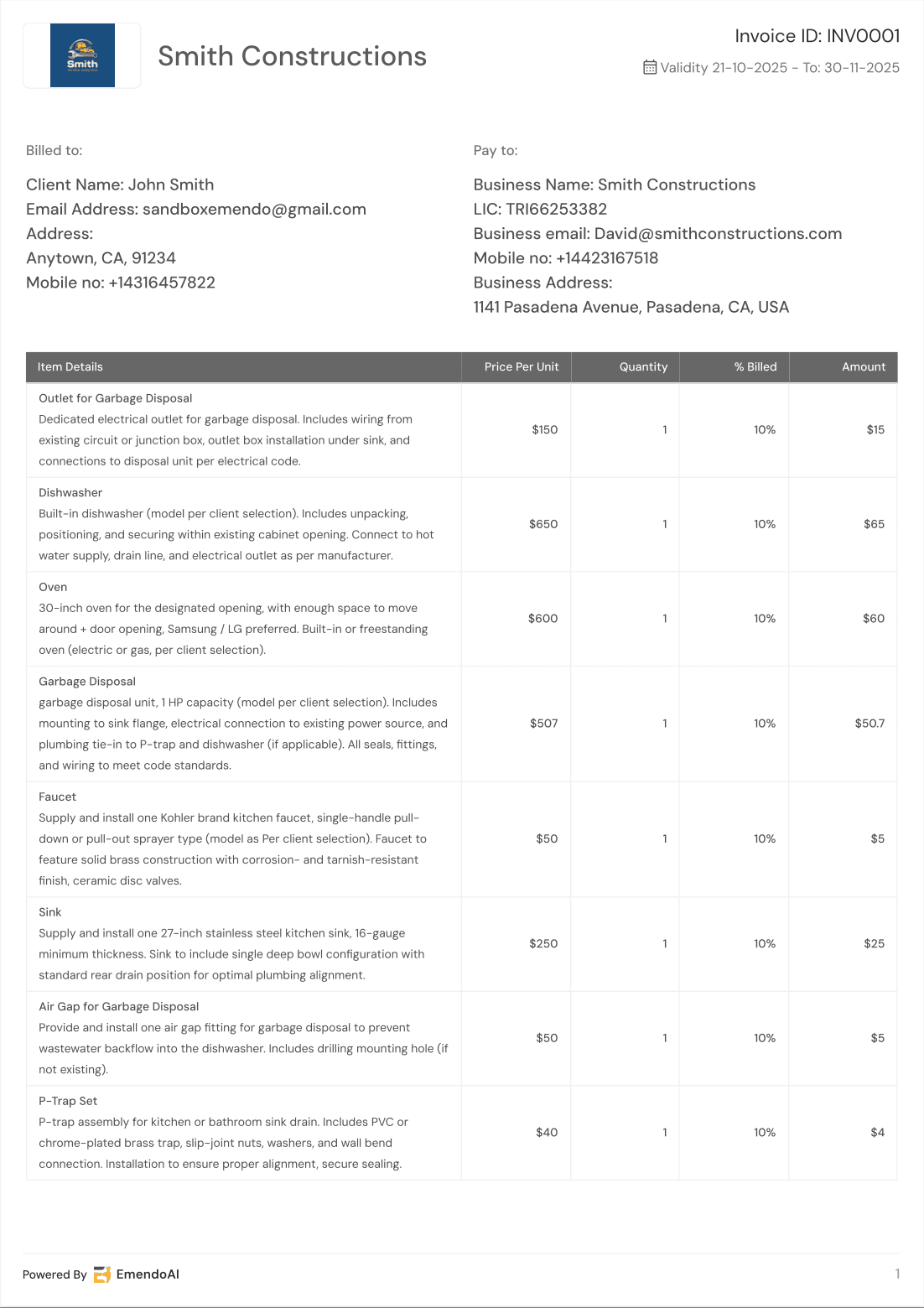
Professional Invoice PDF

Detailed breakdown and instant estimate-to-invoice conversion.

Professional Invoice PDF

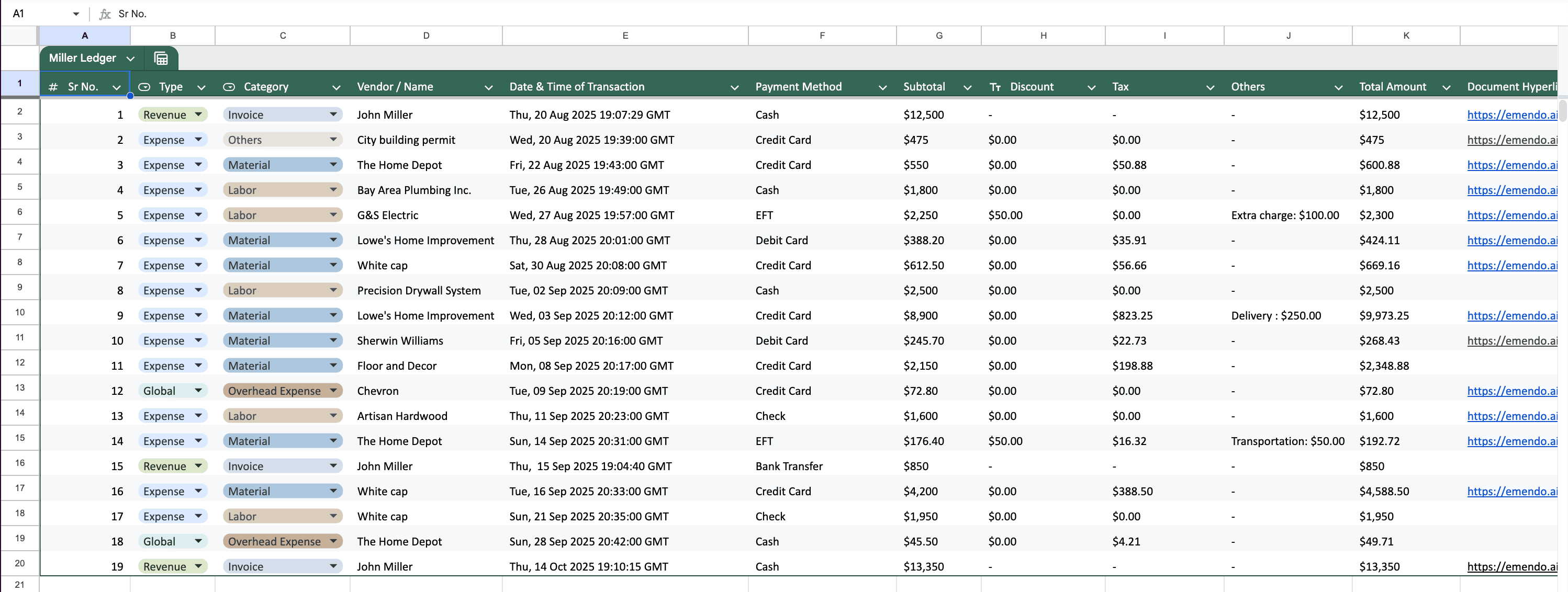
Ledger Spreadsheet

EmendoAI ledger to a spreadsheet with detailed expense and revenue breakdowns, documented receipts, and full audit readines.

Ledger Spreadsheet
STEP-4

Not sure about something?

We are here to help

Schedule a call with us

Questions about setup or want a demo?

Book a quick call with our team.

Email Us

Email us with your concerns